
PDFBookmarkGen
Generate PDF bookmarks from its table of contents.
Import a PDF, let an AI vision model read the table of contents and detect chapter levels, and get jump-to bookmarks saved as a new file — the original stays untouched.
- AI vision reads the TOC
- Multi-level bookmark tree
- Original file untouched
- iPhone · iPad · Mac
What it can do
Give PDFs that have a TOC but no bookmarks a proper clickable outline: read it, structure it, write it.
TOC Detection
Locates the TOC pages in your PDF, and an AI vision model reads titles and page numbers line by line.
Structured Bookmarks
Common numbering schemes like “Chapter X” or “1.1.1” are restored as a multi-level bookmark tree.
Saves a Copy
Bookmarks are written into a newly generated copy — your original PDF never changes.
One Purchase, All Devices
A universal app for iPhone, iPad and Mac — one purchase works everywhere.
Reading the TOC
TOC pages are ordinary text in wildly different layouts — so an AI vision model reads them line by line instead of relying on lucky fixed rules.
TOC Pages Found
TOC pages are detected automatically after import — no manual marking needed.
AI Vision Recognition
A vision model reads the TOC as an image and extracts titles and page numbers from any layout.
Human Confirmation
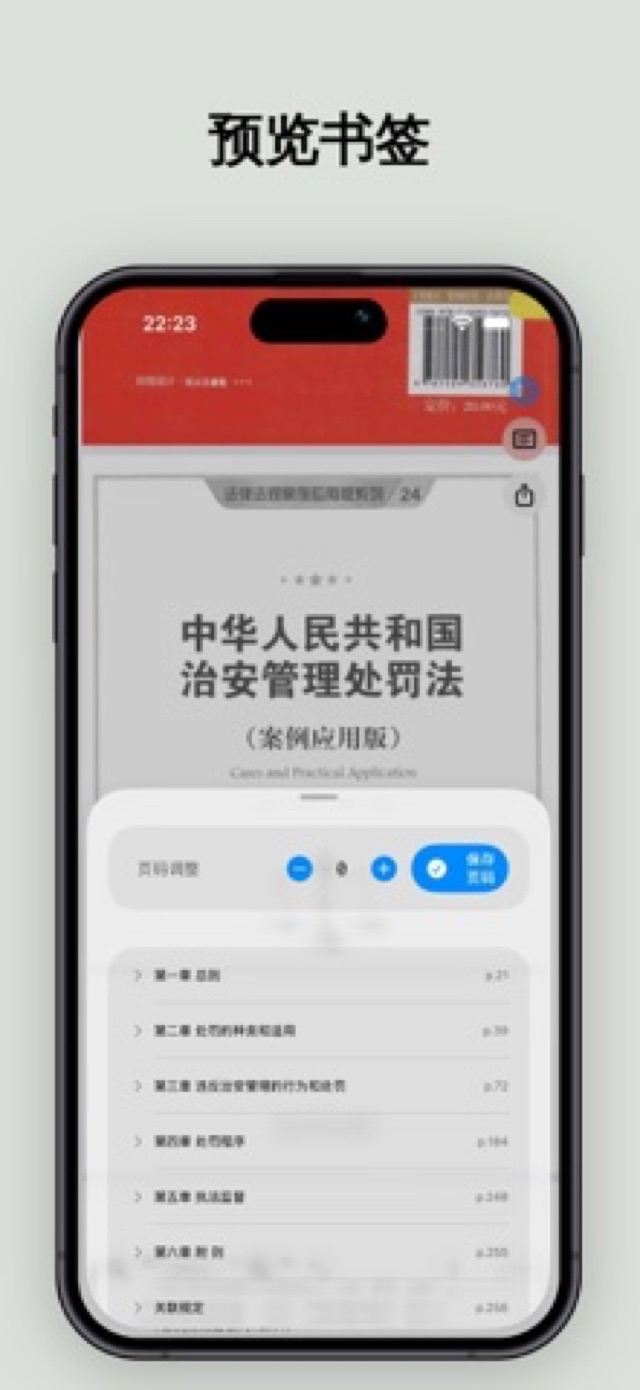
Results are shown for confirmation first — fix any title, level or page number before generating.
Building the Tree
From lines of TOC text to a clearly structured chapter tree — the numbering scheme decides everything.
Multiple Numbering Schemes
Supports common schemes such as “Chapter X / Section X”, “(一)(二)” and “1.1.1”.
Dual Regex + Stack Algorithm
Two regex passes cross-check each other while a stack algorithm infers depth, faithfully restoring the outline.
Page Offset Calculation
TOC numbers rarely match PDF pages, so offsets are calculated automatically so every bookmark jumps correctly.
Generate & Export
The output is a standard PDF outline that works in the sidebar on iPhone, iPad and Mac.
Native PDF Outline
Written via PDFKit as a standard recursive outline that system readers and third-party apps both understand.
Original Preserved
Bookmarks go into a new saved copy — your original PDF is untouched.
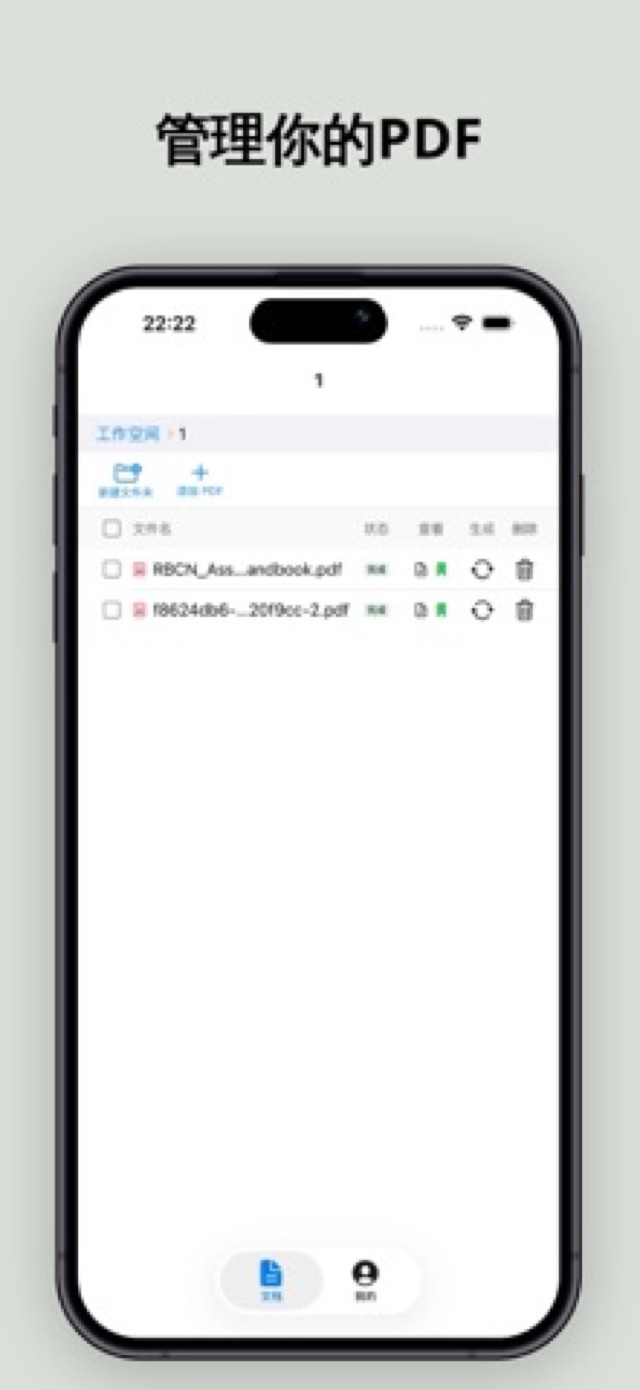
Queue Multiple Files
Hand over a whole batch of PDFs and they process one by one — long papers or a whole ebook library alike.
Gallery
From importing a PDF to jumping by bookmark — a look at the real interface.

FAQ
How much does it cost?
A credit system priced by the number of pages parsed: you see the exact cost before processing, buy credits on demand and never need a subscription.
Which devices are supported?
It’s a universal app for iPhone, iPad and Mac, requiring iOS / iPadOS 16+ or macOS 13+; one purchase is shared across all three.
Will my original file be modified?
Never. Bookmarks are written into a newly generated copy, and the original PDF stays exactly as it was.
What if recognition isn’t accurate?
There’s a confirmation step before generation: fix any title, level or page number manually, and bookmarks are written only after you confirm.
Never get lost in long PDFs again
Import, confirm, generate — give every PDF a clickable outline.