
Paper Eraser
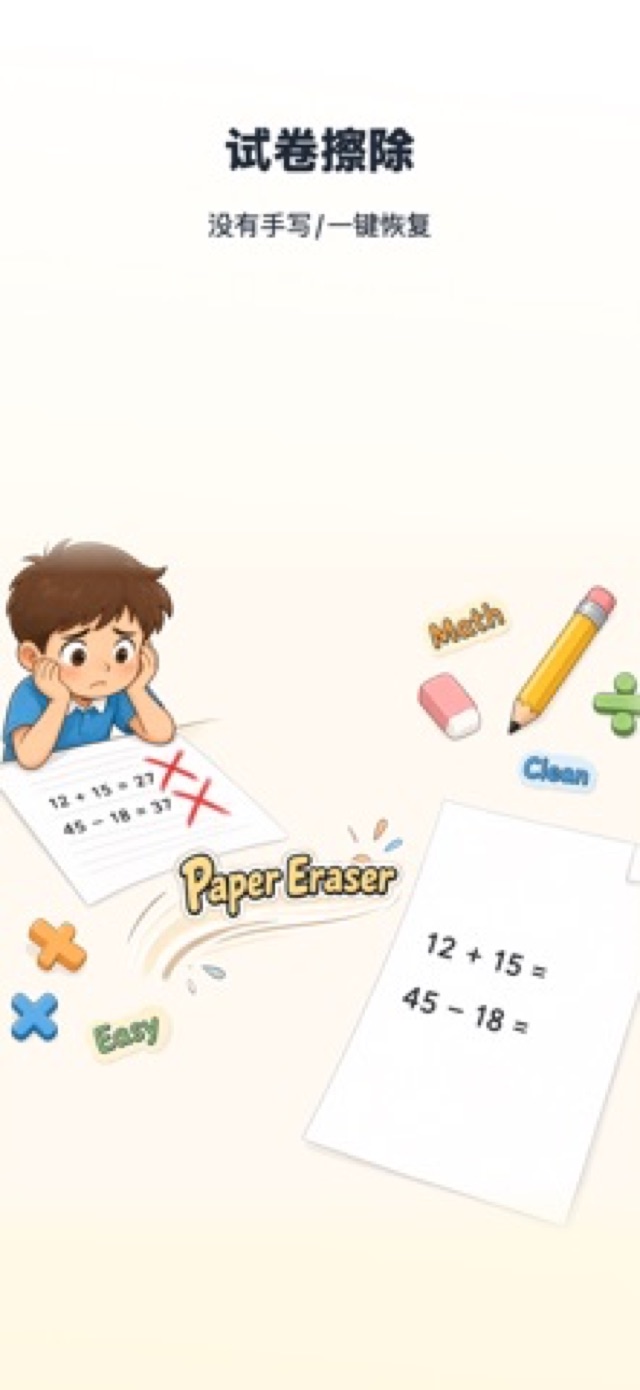
Restore handwritten test papers and collect wrong questions with AI.
Snap a handwritten paper and AI erases the ink to restore a clean blank sheet. Questions are then auto-split and wrong answers collected, so every old paper can be practiced again.
- One-tap ink erasing
- AI question segmentation
- One-tap wrong-question sets
- 3 platforms · 14 languages
What it can do
Three jobs around practice: clean up used papers, split questions out, and gather mistakes into review sets.
Smart Erasing
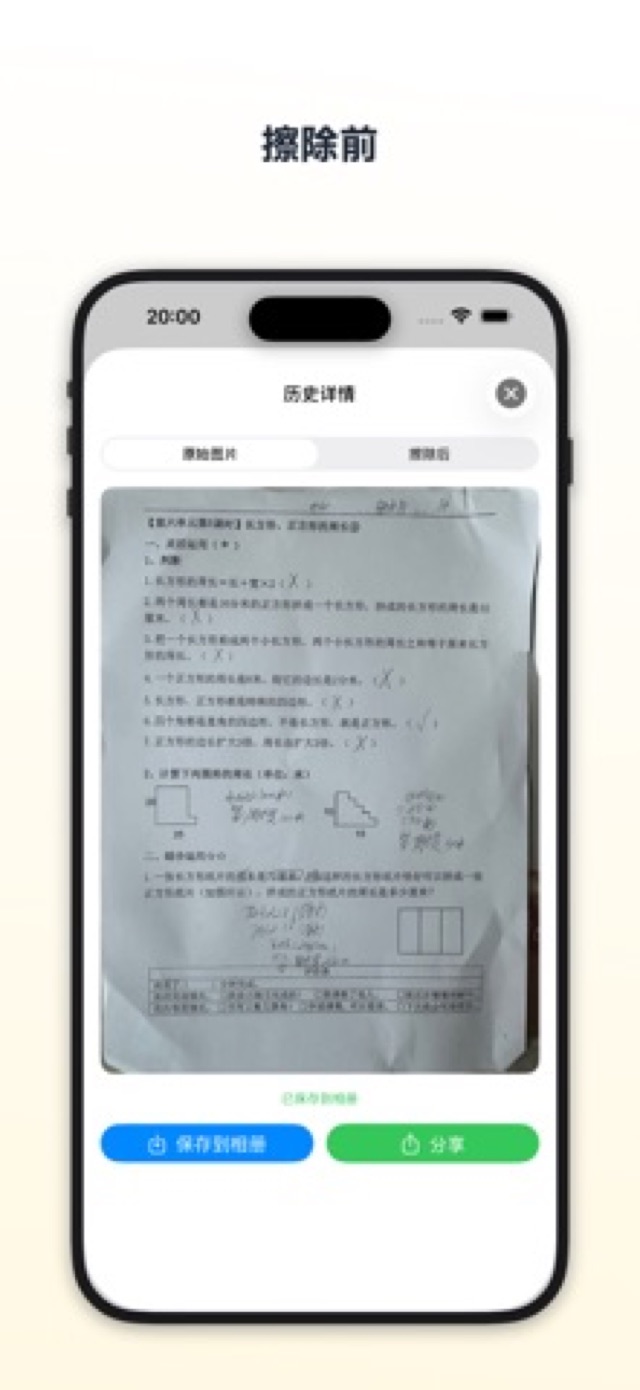
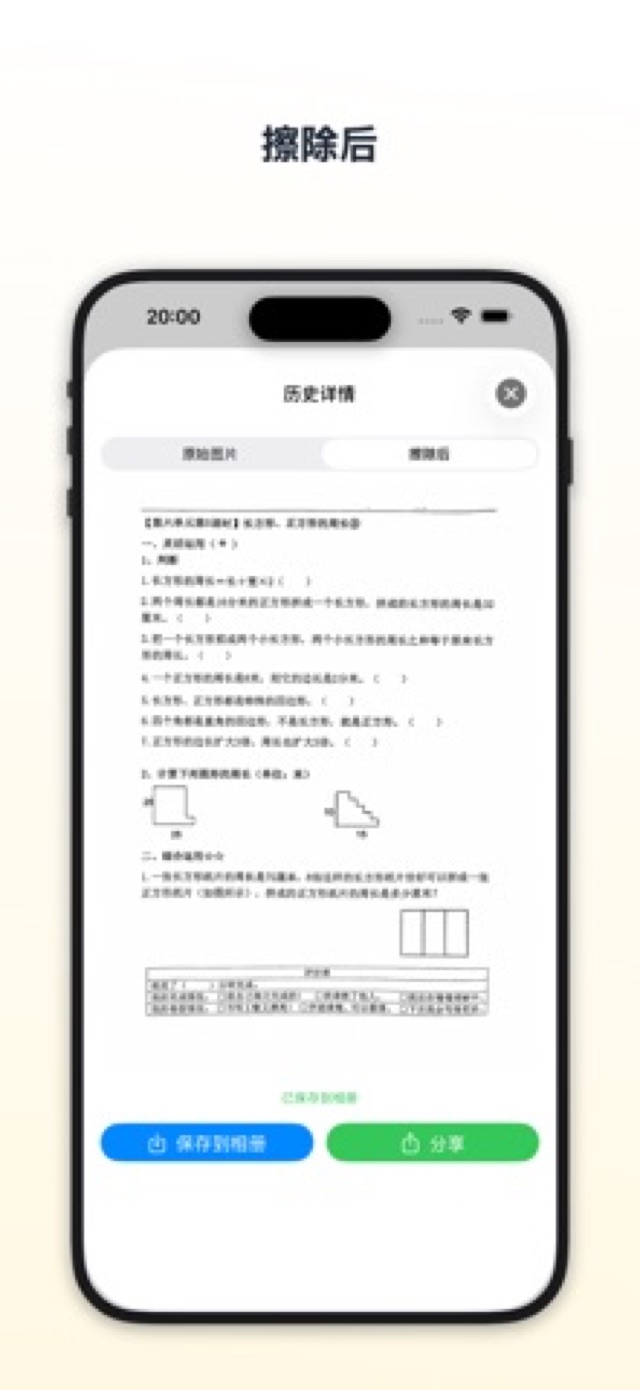
An AI model trained for handwriting removes ink, scribbles and marks while keeping the print intact.
AI Wrong-Question Book
Erased papers are auto-split into questions; check the wrong ones and export them as a fresh set.
Three Platforms
Erase on iOS / iPadOS, Android or a WeChat Mini Program — credits are shared across platforms.
Localized
14 UI languages that follow your system language automatically.
One-Tap Erasing
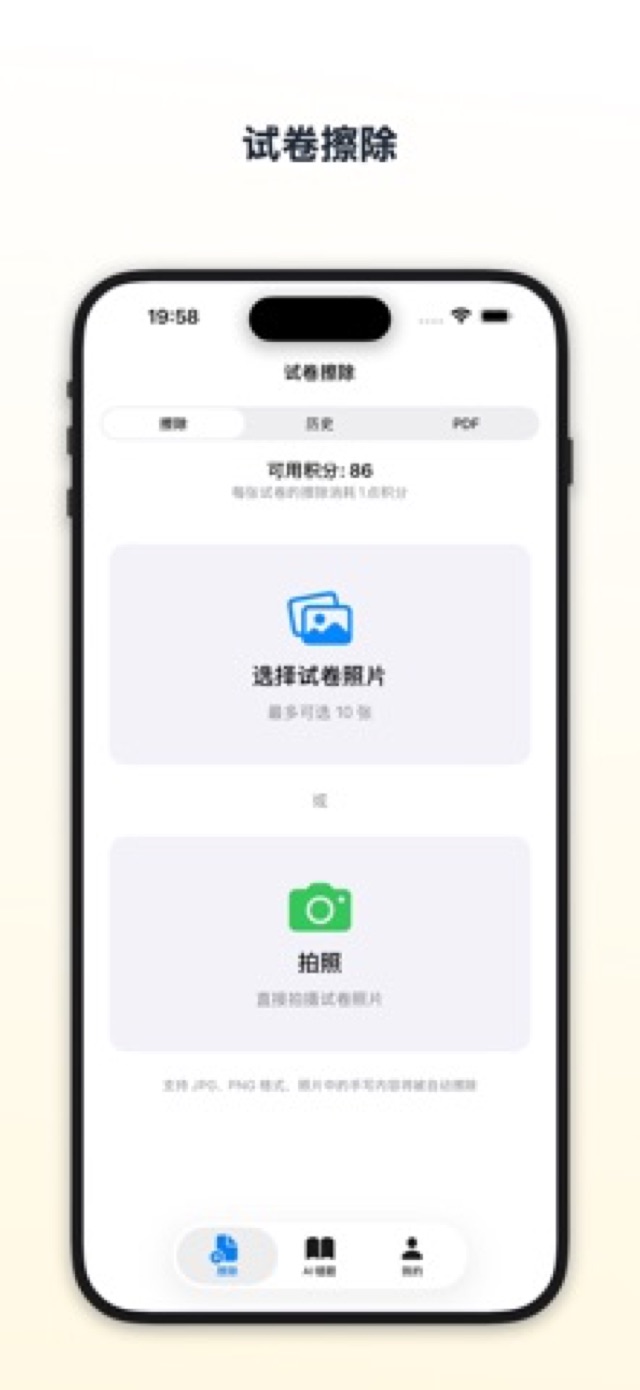
Import from camera or photo library, and AI restores the blank paper stroke by stroke.
Handwriting-Tuned Model
The erasing model is tuned for handwriting — cursive strokes, scribbles and red-ink marks all come off cleanly.
Print Stays Intact
Printed text, charts and answer boxes remain untouched — nothing is redrawn.
Batch Processing
Import every page of a paper at once and let them process in a queue — no repeated taps.
AI Wrong-Question Book
Erasing is just the start: questions split themselves, mistakes get collected, and review sets build in one tap.
Auto Question Splitting
The erased paper is automatically split into individual questions by number for review.
Mark & Collect
Check the questions you got wrong and they are collected into your wrong-question book.
Export a Review Set
Re-typeset collected mistakes into a clean paper for printing or exporting — ready for round two.
Everywhere You Study
Erase wherever you practice — credits and quota are shared across platforms.
iOS / iPadOS
The full experience: erasing, question splitting, the wrong-question book and set export.
Android & WeChat Mini Program
Lightweight entry points focused on paper erasing — ready whenever you need them.
14 UI Languages
Simplified Chinese, English, Japanese, Korean and more — following your system language.
Gallery
From erasing to review sets — a look at the real interface.
FAQ
How much does it cost?
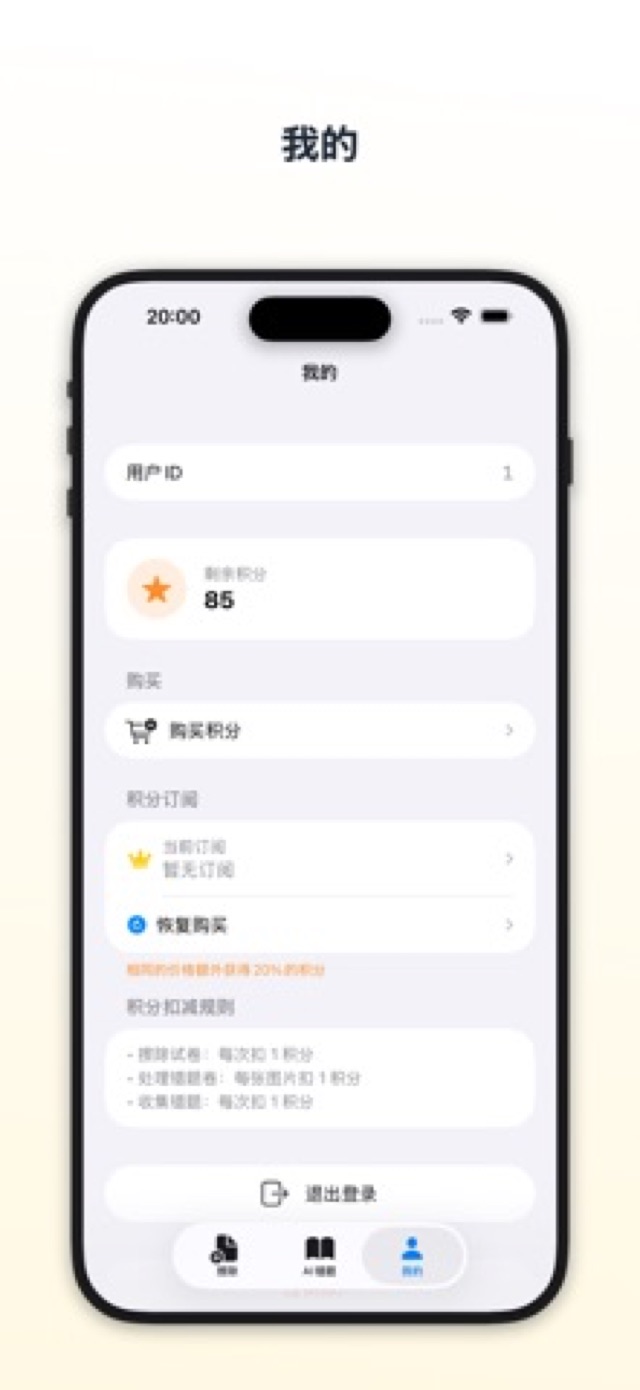
A credit system: erasing one paper costs 1 credit, and review sets cost credits per page. New users get 3 free erases, and referrals earn credits for both sides. You can buy credit packs on demand or subscribe to Pro / Max for monthly credits — a subscription is never required.
Are my photos uploaded or stored?
Photos are temporarily and securely uploaded only while AI processing is running, and deleted immediately afterwards. Nothing is stored permanently or used for any other purpose.
Do the Mini Program and Android versions match iOS?
The WeChat Mini Program and Android versions currently focus on paper erasing; question splitting, the wrong-question book and set export live in the full iOS / iPadOS version.
What if the erasing result isn’t perfect?
Keep the paper flat with even lighting, and avoid strong angles and shadows for the best results; for stubborn traces, simply run the eraser a second time.
Turn old papers into new practice
Snap, erase, practice again — three steps to better review.